What Is Text-to-Speech?
Complete Guide to TTS, How It Works, and Why It Matters
If you have searched for tts, what is tts, or what is text to speech, you are not alone. Interest in Text-to-Speech continues to grow as businesses, creators, educators, and everyday users look for faster and smarter ways to turn written words into natural-sounding audio.
But many people still ask the same questions:
What is TTS?
What is text to speech?
How does text to speech work?
How to do text to speech?
What is the text to speech definition?
This guide will explain everything in simple language while helping you understand why Text-to-Speech is becoming one of the most useful technologies in modern communication.
What Is TTS?
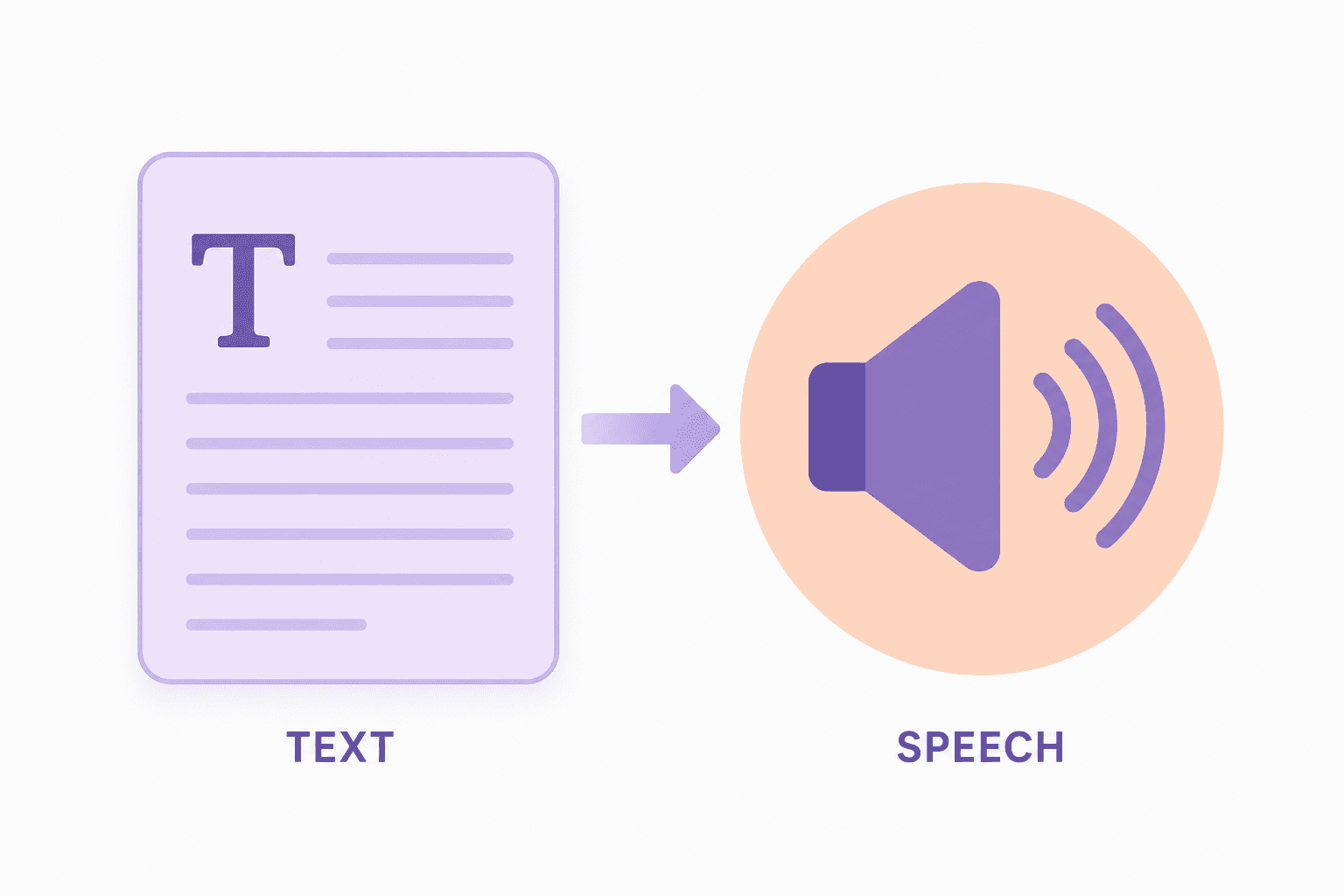
TTS stands for Text-to-Speech. It is a technology that converts written text into spoken audio using computer-generated voices. Today it feels simple: you type or upload words, and software reads them aloud. But Text-to-Speech has been developing for decades.
The earliest speech synthesis experiments began in the mid-20th century, when researchers tried to make computers generate basic human sounds. These early systems were limited, robotic, and difficult to understand, but they proved machines could produce speech.
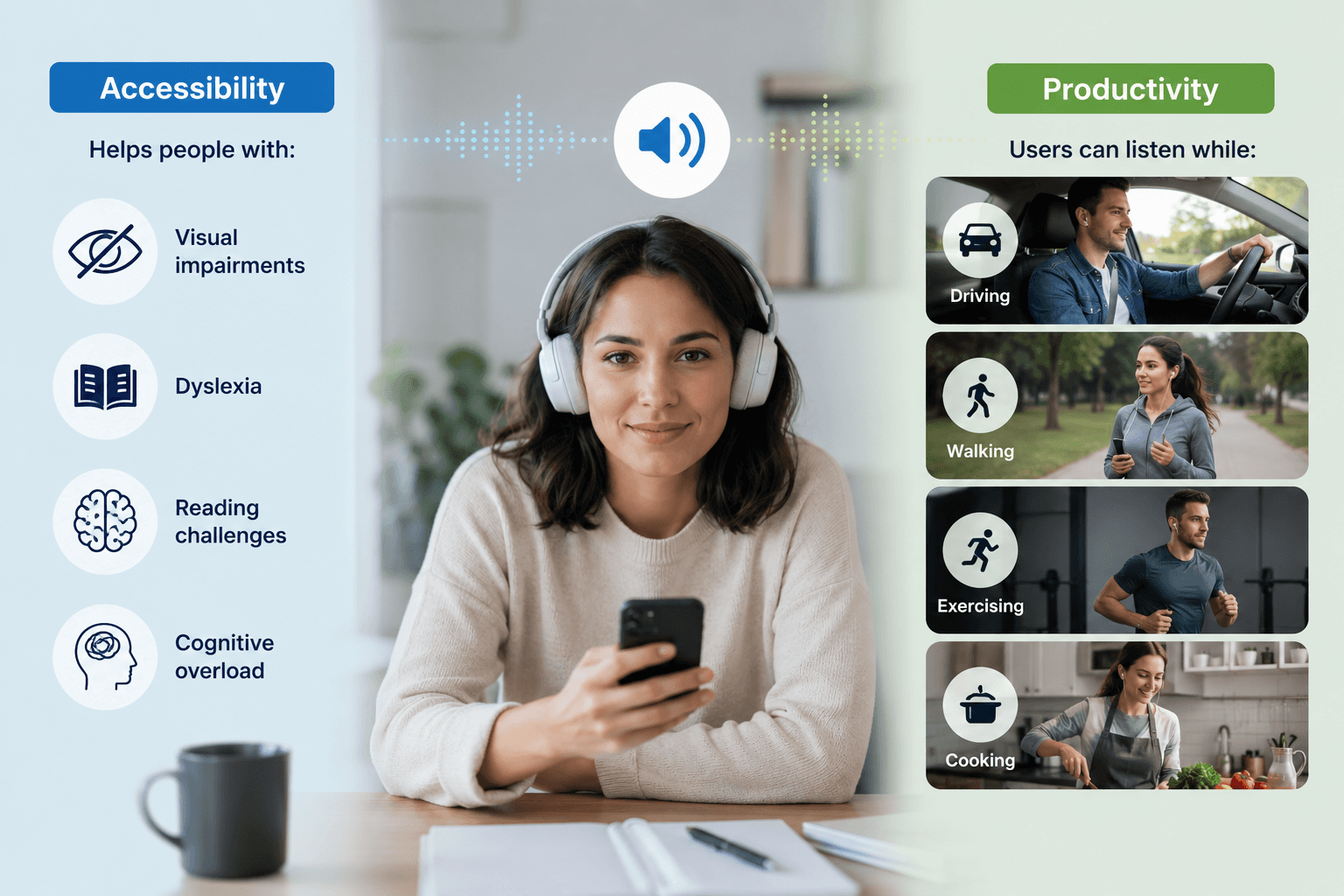
In the 1980s and 1990s, TTS became more practical as computers became more powerful. Businesses and accessibility tools started using digital voices to read screen text aloud for users with visual impairments or reading challenges. Voices were still mechanical, but the real-world value was clear.
In the 2000s, smartphones and consumer devices brought Text-to-Speech to everyday users. Navigation systems, digital assistants, e-readers, and operating systems made spoken technology part of daily life.
In the 2010s and beyond, artificial intelligence transformed TTS again. Machine learning and neural voice models made speech smoother, more natural, and more expressive. Modern systems can now mimic realistic tone, pauses, emotion, and human-like rhythm.
That means emails, articles, documents, messages, books, and web pages can instantly become audio content with voices that sound far better than older robotic systems.
So if someone asks what is tts, the direct answer is:
TTS is software that turns text into speech.
What Is Text to Speech?
The phrase what is text to speech means the same thing as asking what TTS is.
Text-to-Speech allows computers, mobile apps, websites, and AI systems to speak written content aloud using synthetic voices that sound increasingly human.
Older versions sounded robotic. Modern Text-to-Speech uses AI to create smoother, more natural speech with better pacing, tone, and pronunciation.
Today, many users cannot easily tell the difference between some AI voices and recorded human voices.
Text to Speech Definition
Here is a clear text to speech definition:
Text-to-Speech is a technology that transforms digital text into spoken words through software-generated voice output.
It is used for accessibility, productivity, entertainment, education, and customer experiences.
The Evolution of Text-to-Speech
1770s – Early experiments begin using mechanical devices to replicate human speech sounds, laying the foundation for synthetic voice.
1791 – Wolfgang von Kempelen builds one of the first speaking machines, using bellows and tubes to simulate the human vocal tract.
1846 – Joseph Faber’s “Euphonia” improves on earlier designs and can produce recognizable speech, multiple languages, and even singing.
1930s – Bell Labs begins developing electronic speech systems, shifting from mechanical to electrical approaches.
1939 – The Voder is demonstrated at the World’s Fair, marking the first time electronic speech synthesis is publicly showcased.
1951 – Pattern playback systems convert recorded speech patterns into synthetic speech, advancing research in speech modeling.
1968 – The first full English text-to-speech system was created, enabling computers to convert written text into spoken words.
1976 – The Kurzweil Reading Machine becomes the first widely recognized commercial TTS system, helping visually impaired users read printed text.
1980s–1990s – TTS becomes more accessible in computers, though voices remain robotic; improvements in digital processing begin enhancing quality.
2000s – TTS is integrated into operating systems, navigation systems, and early consumer applications, making it more widely used.
2010s – Voice assistants like Siri, Alexa, and Google Assistant bring TTS into everyday life, powered by better data and machine learning.
Late 2010s – Neural networks transform TTS, producing more natural, human-like voices with better tone and flow.
2020s – AI-driven TTS enables real-time, highly realistic speech used in AI agents, customer support, content creation, and productivity tools.
Today – Text-to-speech is becoming nearly indistinguishable from human speech, with capabilities like voice cloning, emotional tone, and real-time interaction.
How Does Text to Speech Work?
Many people search how text to speech works because the process feels almost magical. But behind the scenes, it follows several steps.
1. Input Text
The system receives text such as:
A sentence
A webpage
A PDF
A message
A script
An article
2. Text Analysis
The software studies the words, punctuation, grammar, abbreviations, and sentence structure.
For example:
“Dr.” becomes Doctor
“$25” becomes twenty-five dollars
“2026” becomes twenty twenty-six
3. Pronunciation Processing
The system determines how each word should sound.
This is especially important for names, slang, technical terms, and words with multiple meanings.
4. Voice Generation
The TTS engine generates speech using a digital voice model.
Modern AI systems simulate:
Emotion
Rhythm
Pauses
Emphasis
Natural flow
5. Audio Output
The final result is spoken audio that users can hear through speakers, headphones, apps, websites, or smart devices.
That is the full answer to how does text to speech work.
How to Do Text to Speech
Many people search how to do text to speech because it is easier than they expect.
Option 1: Use Built-In Phone Features
Most smartphones already include Text-to-Speech settings.
Apple devices include spoken accessibility tools
Android devices include reading and voice output features
Option 2: Use Online TTS Tools
Many websites let you paste text and generate speech instantly.
Common use cases include:
Reading articles aloud
Converting notes into audio
Voiceovers
Learning pronunciation
Option 3: Use AI Platforms
Modern AI platforms combine Text-to-Speech with chat, translation, summarization, and automation.
This means businesses can create smarter voice experiences rather than simple reading tools.
Option 4: Use APIs for Developers
Companies often integrate TTS into apps, support systems, learning tools, and products through APIs.
Why TTS Matters Today
Text-to-Speech is no longer just a niche accessibility feature. It is now a major productivity and communication tool.
Faster Content Consumption
Audio allows people to consume more information when they do not have time to read.
Better Customer Experience
Businesses use TTS for:
Phone systems
Virtual assistants
Chatbots
Guided onboarding
Product instructions
Global Reach
TTS can support multiple languages and accents, helping brands communicate worldwide.
TTS Use Cases for Business
Businesses are rapidly adopting tts text to speech solutions across many departments.
Customer Support
Turn help articles into spoken guidance and power voice assistants.
Sales
Create personalized outreach audio or spoken demos.
HR
Deliver policy updates, onboarding materials, and training in audio form.
Education
Convert lessons, study guides, and reading materials into audio learning.
Marketing
Generate narrations for videos, ads, product explainers, and social content.
Healthcare
Read reminders, instructions, and educational materials aloud.
TTS and AI: The Next Evolution
Modern AI has dramatically improved Text-to-Speech.
Older systems sounded flat and robotic. AI voices now offer:
Natural tone
Better pacing
Emotional expression
More realistic pauses
Stronger pronunciation accuracy
This is why TTS adoption is accelerating.
The technology is moving from “machine voice” to “human-like communication.”
Common Questions About Text-to-Speech
Is TTS Free?
Some tools are free, while advanced AI voices may require payment.
Can TTS Read Any Text?
Most systems can read standard text, documents, and websites.
Can TTS Sound Human?
Yes. Modern AI TTS can sound highly realistic.
Is TTS Only for Accessibility?
No. It is now used for productivity, business automation, content creation, and learning.
Can Businesses Use TTS at Scale?
Yes. Many companies use Text-to-Speech in apps, customer service systems, and enterprise workflows.
Final Thoughts: What Is Text-to-Speech?
If you were searching what is tts, what is text to speech, or text to speech what is it, the answer is simple:
Text-to-Speech is the technology that turns written words into spoken audio. But the bigger story is this:
TTS is changing how people learn, work, communicate, and consume information. As AI continues to improve, Text-to-Speech will become more natural, more useful, and more common across every industry.
The future of content is not just written or visual. It is spoken too.